Connecting Tasks, OKRs & KPIs
Actions is most powerful when the three tabs work together: KPIs measure outcomes, OKRs frame goals, and Tasks capture the work that moves the needle.
Recommended flow
- Add the survey or label KPIs you care about.
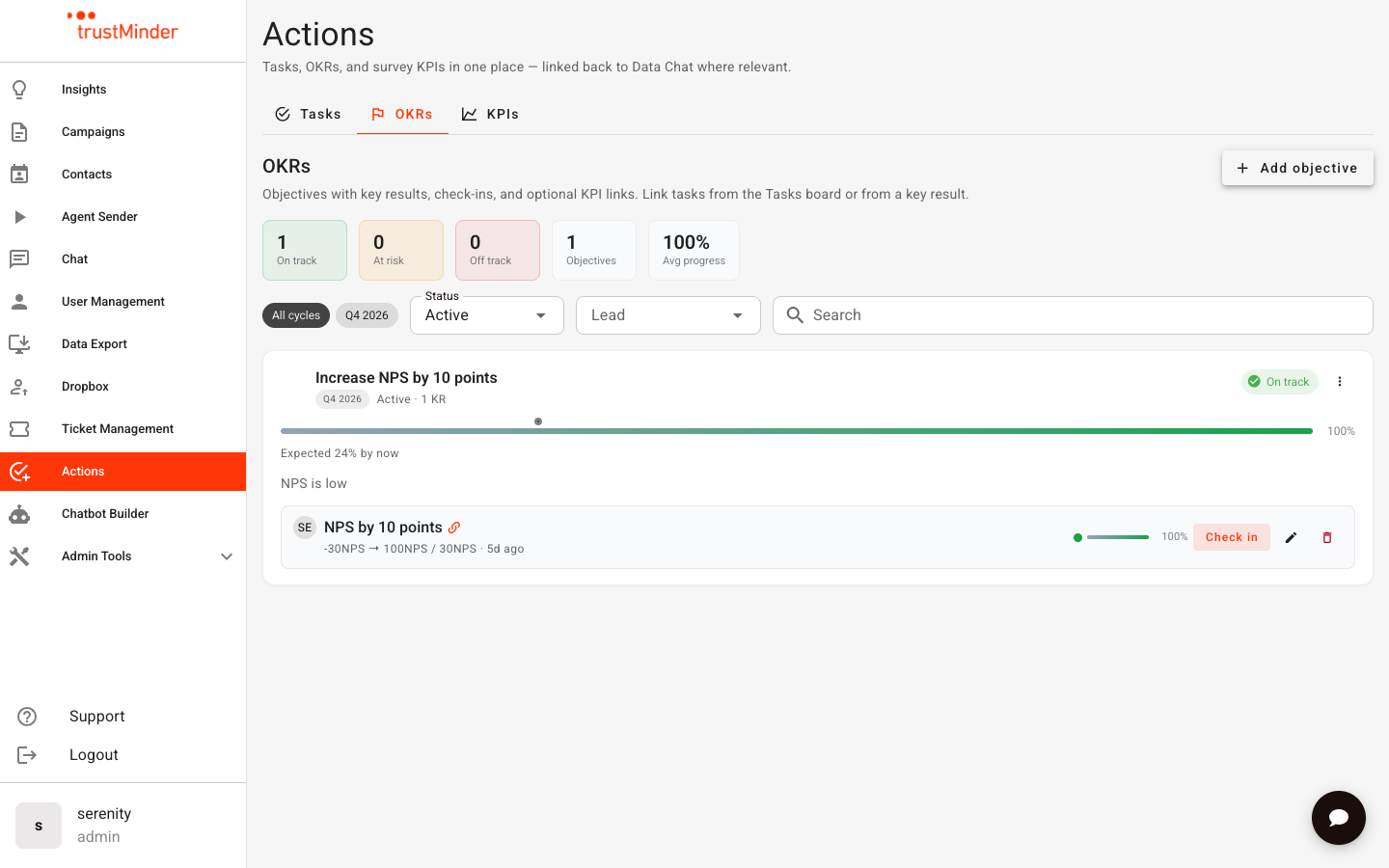
- Create an objective for the cycle, then add key results — link a key result to a KPI when the KR should follow that metric.
- Break delivery into tasks and link each task to the relevant key result.
Link a key result to a KPI
- When creating or editing a key result, choose Linked to KPI.
- Select the KPI (alert) to sync from.
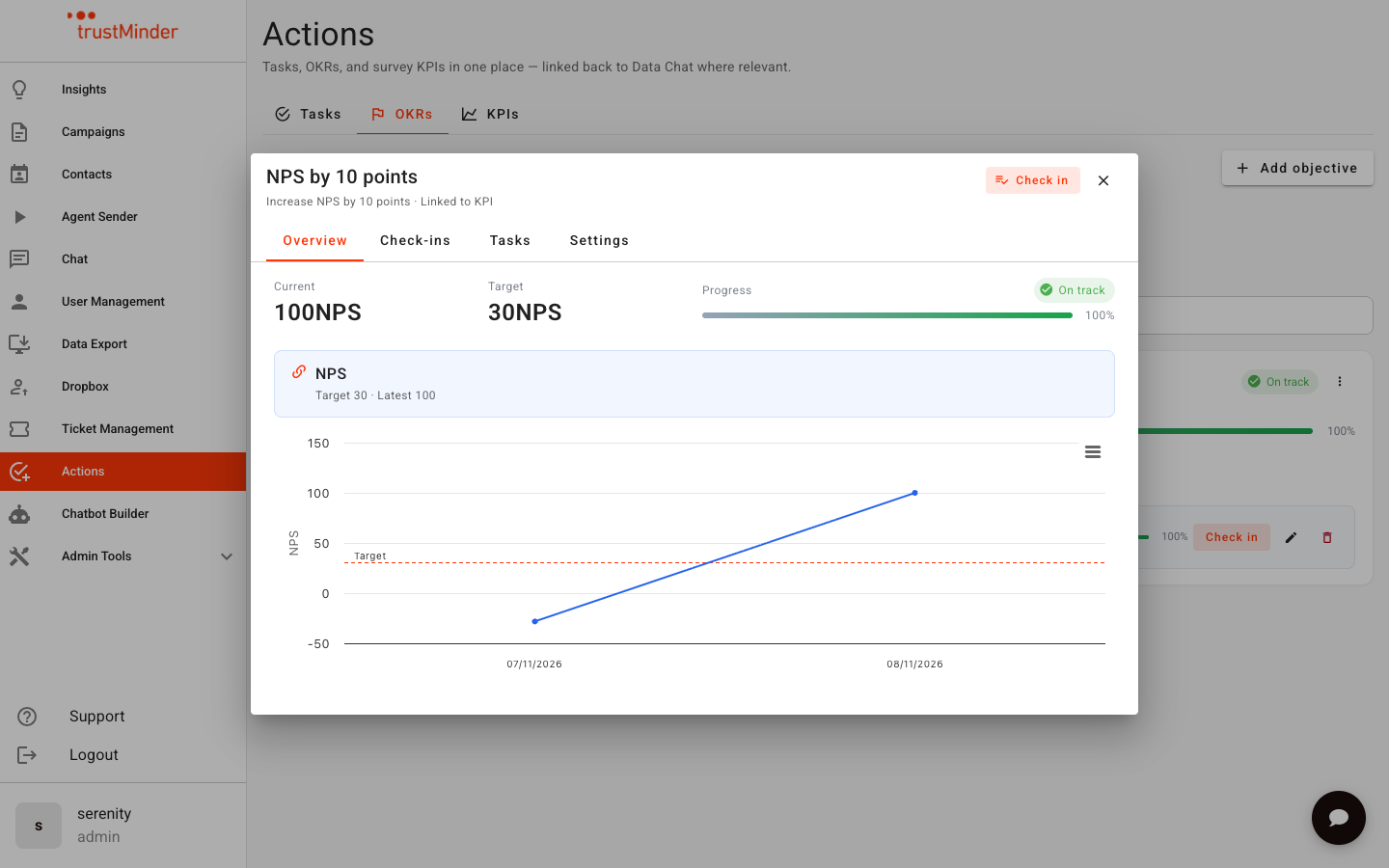
- The key result value is seeded from the KPI’s month average (or latest score).
After that:
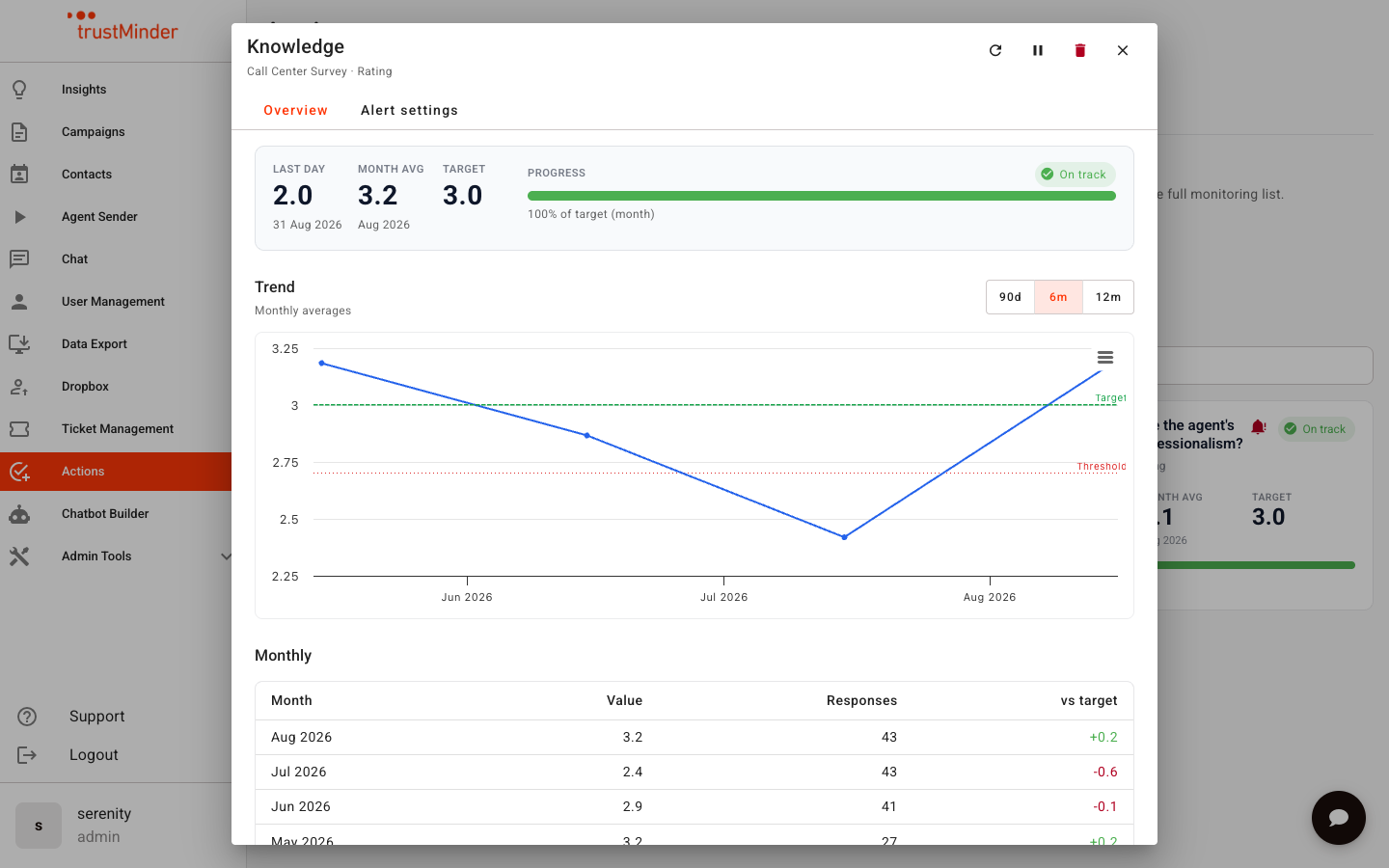
- When the KPI is evaluated (daily or after a refresh / backfill), matching key results receive a KPI-sourced check-in if the value changed.
- You can still set confidence and notes manually — confidence is not overwritten by the KPI sync.
- You cannot manually override the numeric value on a KPI-linked key result; change the underlying KPI or unlink it first.
A KPI-link icon on the OKR board shows which key results are driven by a KPI.
Link tasks to a key result
From a task
- Open the task detail view.
- In the sidebar, choose a key result to link.
- Save / allow autosave to complete.
From a key result
- Open the key result detail → Tasks tab.
- Link an existing task, or unlink tasks that no longer apply.
Linked tasks keep operational work visible next to the outcome you are driving.
Create tasks from Data Chat
When exploring data in Data Chat, you can create a task from a message or selection. The task appears on the Actions board with source context so you can return to the conversation that inspired it.
What stays separate
- Insights → My Alerts remains the ops list for all metric monitors; Actions KPIs is the action-oriented board view of the same data.
- Legacy free-text OKR notes on older tasks (if any) remain visible for reference but new work should use structured Objectives → Key Results.
Example
Objective: Deliver a clearer first-week experience for new customers.
Key result (KPI-linked): NPS for onboarding surveys ≥ 40.
Tasks: Rewrite welcome SMS; fix drop-off on question 3; coach two high-volume agents.
The KPI updates the key result automatically; the team moves tasks across the board until the outcome improves.


Was this article helpful?
That’s Great!
Thank you for your feedback
Sorry! We couldn't be helpful
Thank you for your feedback
Feedback sent
We appreciate your effort and will try to fix the article