trustMinder can send the survey immediately via Send Now or you can schedule the campaign to be sent a period of time.
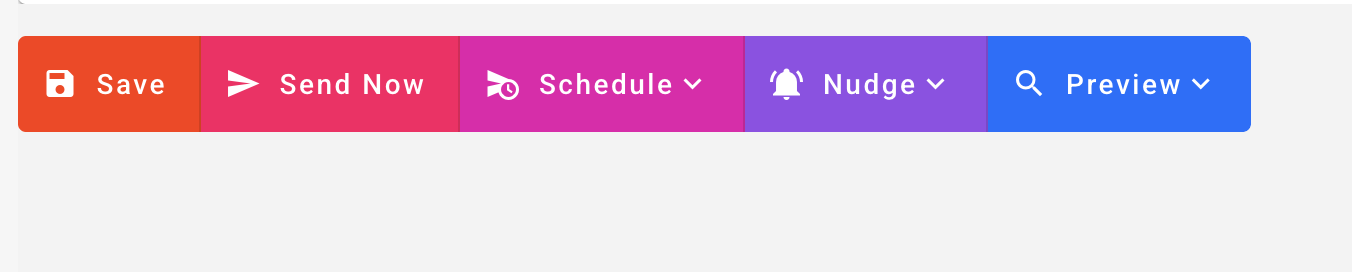
Send Now - Sends the campaign to the group.
You will be made aware of how many contacts you will be sending it to.
Scheduling
Allows you to choose 'When' you want to send the campaign and how oftern.
Choose from Just Once, Daily, Weekly, etc.
Set the date/time and to the group.
You can also select a group but only send to people who have been added to the group in a period of time (today, this week, this month)
You can also select the channel you want to
send the campaign out on.
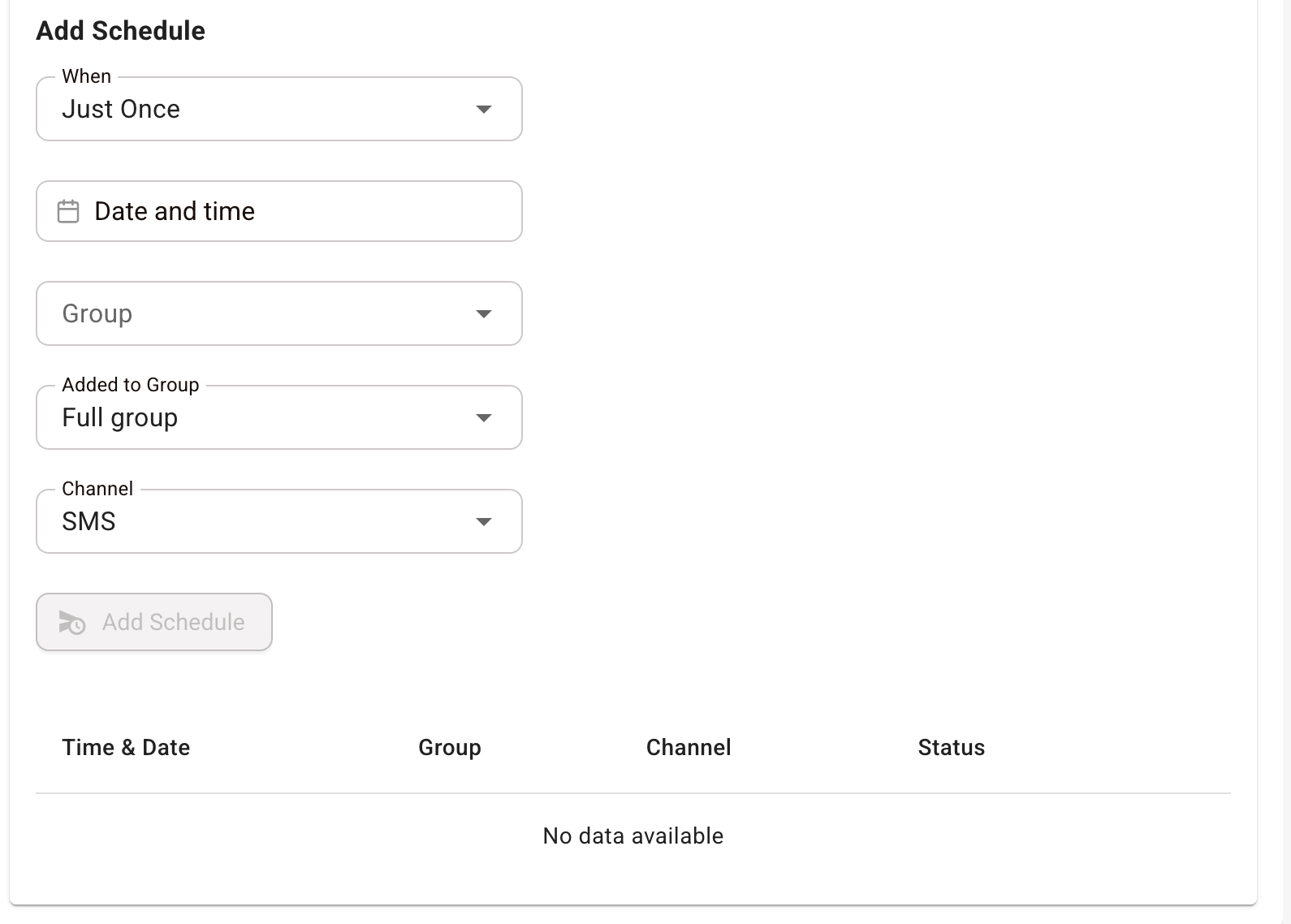
A list of all existing schedules is available for review as well.
Was this article helpful?
That’s Great!
Thank you for your feedback
Sorry! We couldn't be helpful
Thank you for your feedback
Feedback sent
We appreciate your effort and will try to fix the article